
Virtual try-on for jewelry and watches
Prevyou supports necklaces, earrings, rings, bracelets and watches. Because jewelry is small, the shopper is asked for the right photo: a face-and-shoulders photo for necklaces and earrings, a hand-and-wrist photo for rings, bracelets and watches. The piece is then placed on that photo in about 15 seconds.
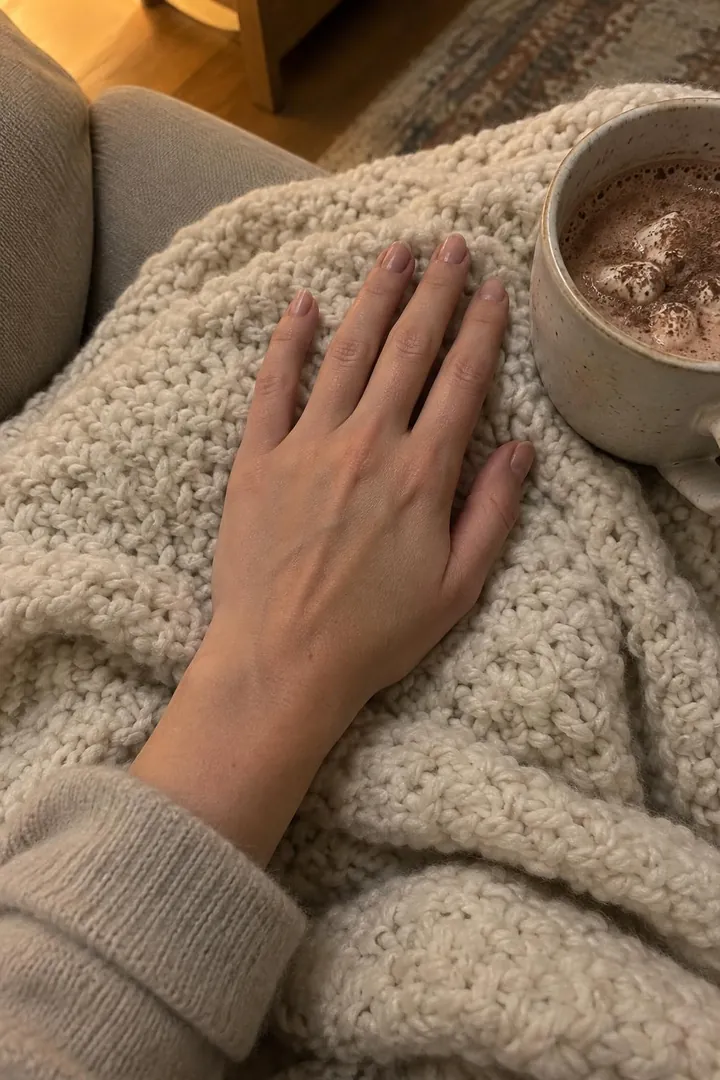 01The shopper’s photo
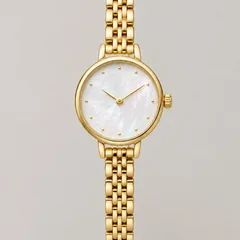 02Your product photo
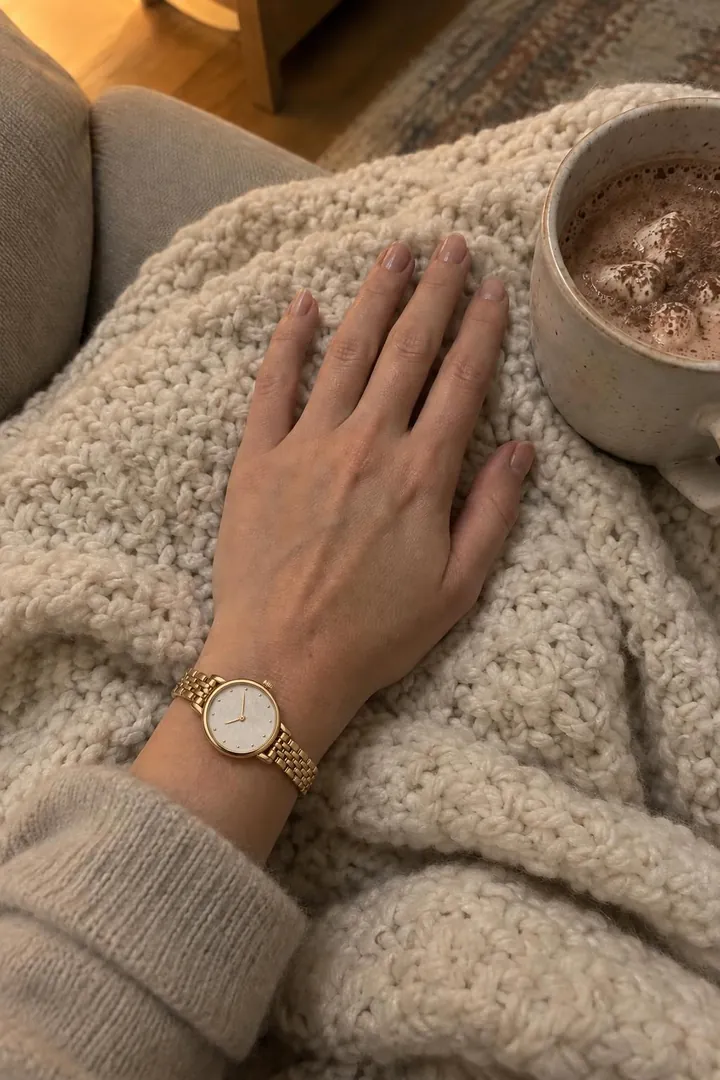 03The generated try-on
Why the photo framing matters
On a full-length photo, a ring or an earring is only a few pixels wide. In our tests, framed photos (face or hand) gave usable results for every piece, while full-length photos often did not. Prevyou therefore asks for the framing that fits each product.
One photo per framing
The shopper’s face photo and hand photo are kept separately during the visit, so moving from a necklace to a ring asks for the hand photo once, then reuses it.
Product types
Necklaces and pendants, earrings, rings, bracelets, bangles and watches. The type is detected from your product type and title, and you can correct it.
Frequently asked questions
Does it work for engagement rings and fine jewelry?
Yes, any ring with a clear product photo. The result is labelled as AI-generated and indicative.