
Virtual try-on for shoes and bags
Prevyou places your shoes and bags on the shopper’s full-length photo in about 15 seconds. Shoes and bags can be combined with clothing in the same look, then added to the cart together.
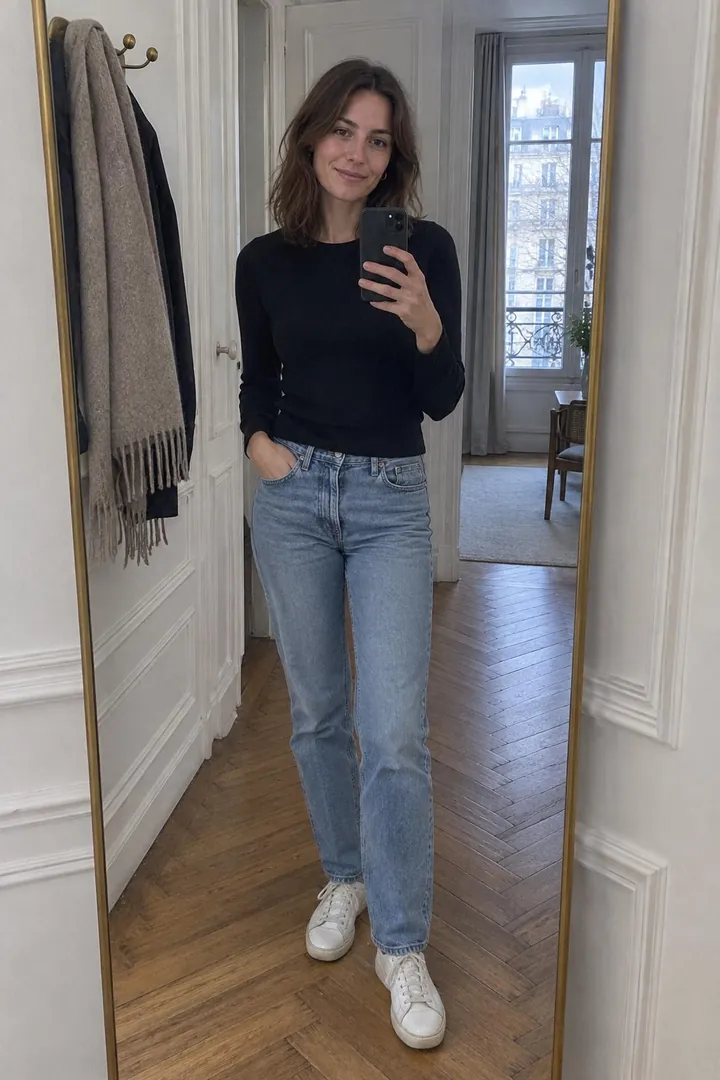 01The shopper’s photo
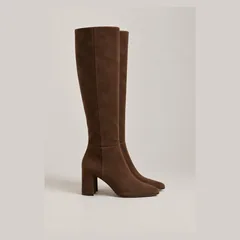 02Your product photo
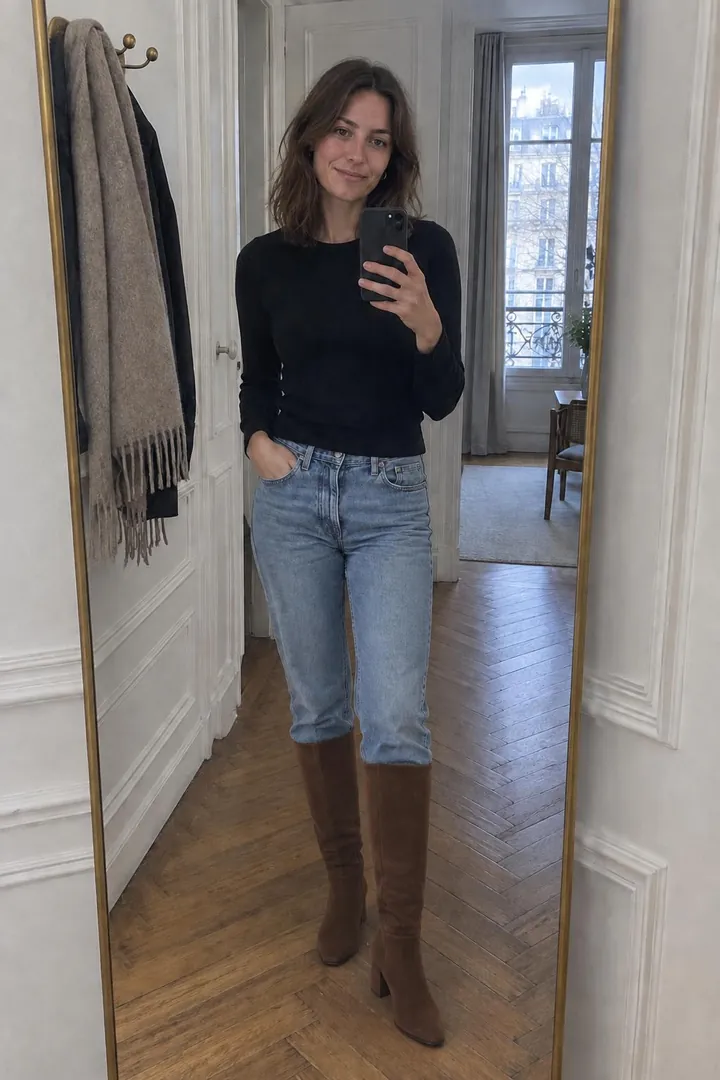 03The generated try-on
Shoes
Sneakers, boots, heels, sandals and loafers. A full-length photo where the feet are visible gives the best result.
Bags
Handbags, shoulder bags, totes, backpacks and clutches, shown carried by the shopper.
With clothing
Add a bag to an outfit, or shoes to a dress: “Complete the look” keeps the previous pieces and adds the new one.
Frequently asked questions
Do shoppers need a special photo for shoes?
Only a standing, full-length photo where the feet are visible.